
 1 / 2
1 / 2Samsung · Pametne utičnice i prekidači
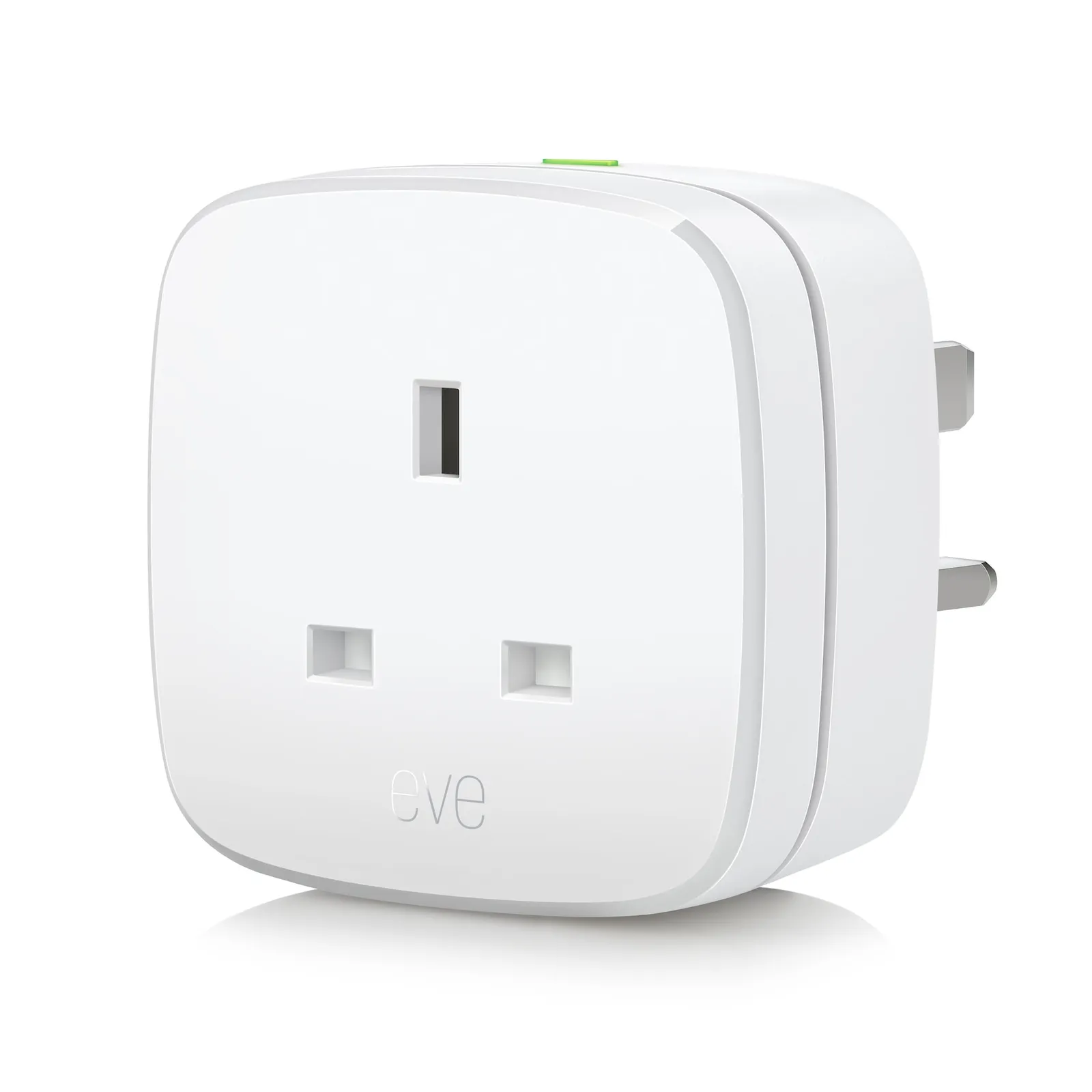
Samsung 10EBT8651 smart plug
Samsung Eve Energy Smart Plug
Opis
On and off via app or voice.
Switch your lights and appliances on and off using your
voice or an app.
Already made yourself comfortable? Hands tied? Turn your devices on and off with a simple tap or by using your voice. You can also control Eve Energy directly via the built-in switch.
Control your accessories from on the go
Control your appliances on the go or based on presence.
Control your connected devices from anywhere – whether youre strolling around the block or exploring the world. Your hub will keep you connected to your abode.
1. Check if you have a SmartThings Hub
The Smart Lock requires a SmartThings Hub to be connected on SmartThings app.
2. Add the Smart Plug in the SmartThings app
In the SmartThings app, click the '+' button at the upper right corner. Select Add device > Scan QR code.
3. Find QR code on the product
Scan the QR code on your device or package.
Switch your lights and appliances on and off using your
voice or an app.
Already made yourself comfortable? Hands tied? Turn your devices on and off with a simple tap or by using your voice. You can also control Eve Energy directly via the built-in switch.
Control your accessories from on the go
Control your appliances on the go or based on presence.
Control your connected devices from anywhere – whether youre strolling around the block or exploring the world. Your hub will keep you connected to your abode.
1. Check if you have a SmartThings Hub
The Smart Lock requires a SmartThings Hub to be connected on SmartThings app.
2. Add the Smart Plug in the SmartThings app
In the SmartThings app, click the '+' button at the upper right corner. Select Add device > Scan QR code.
3. Find QR code on the product
Scan the QR code on your device or package.
Kretanje cena
Aktivni oglasi
Trenutno nema oglasa
Postavi oglas i budi prvi prodavac za ovaj model.